A WooCommerce store starts misbehaving over a weekend. The database is swelling. The PHP error log is growing faster than the database. Background processing runs non-stop, and now you're seeing Deadlock found and INSERT command denied in the logs.
The usual suspects get blamed first. Redis. The page cache. That custom plugin you shipped on Friday. A recent server upgrade.
None of them are it.
What's actually happening
If the store is on HPOS (High-Performance Order Storage, the order tables WooCommerce moved to a couple of years ago), there's a setting most people forget they enabled: compatibility mode.
HPOS keeps orders in their own tables (wp_wc_orders, wp_wc_orders_meta, and friends) instead of the old wp_posts / wp_postmeta layout. Compatibility mode keeps both stores in sync so legacy code that still reads wp_postmeta doesn't break. That sync runs through Action Scheduler, WooCommerce's background job queue.
Here's the trap. Every order change schedules a sync job. If anything is touching orders in a loop (an importer, a meta-rewriting cron, a plugin that re-saves every order on some hook), each touch enqueues another sync action. Failures get retried. The queue grows faster than the workers drain it, and Action Scheduler stores every one of those rows in your database.
That's your runaway table. That's your deadlock.
Stop guessing. Query the queue.
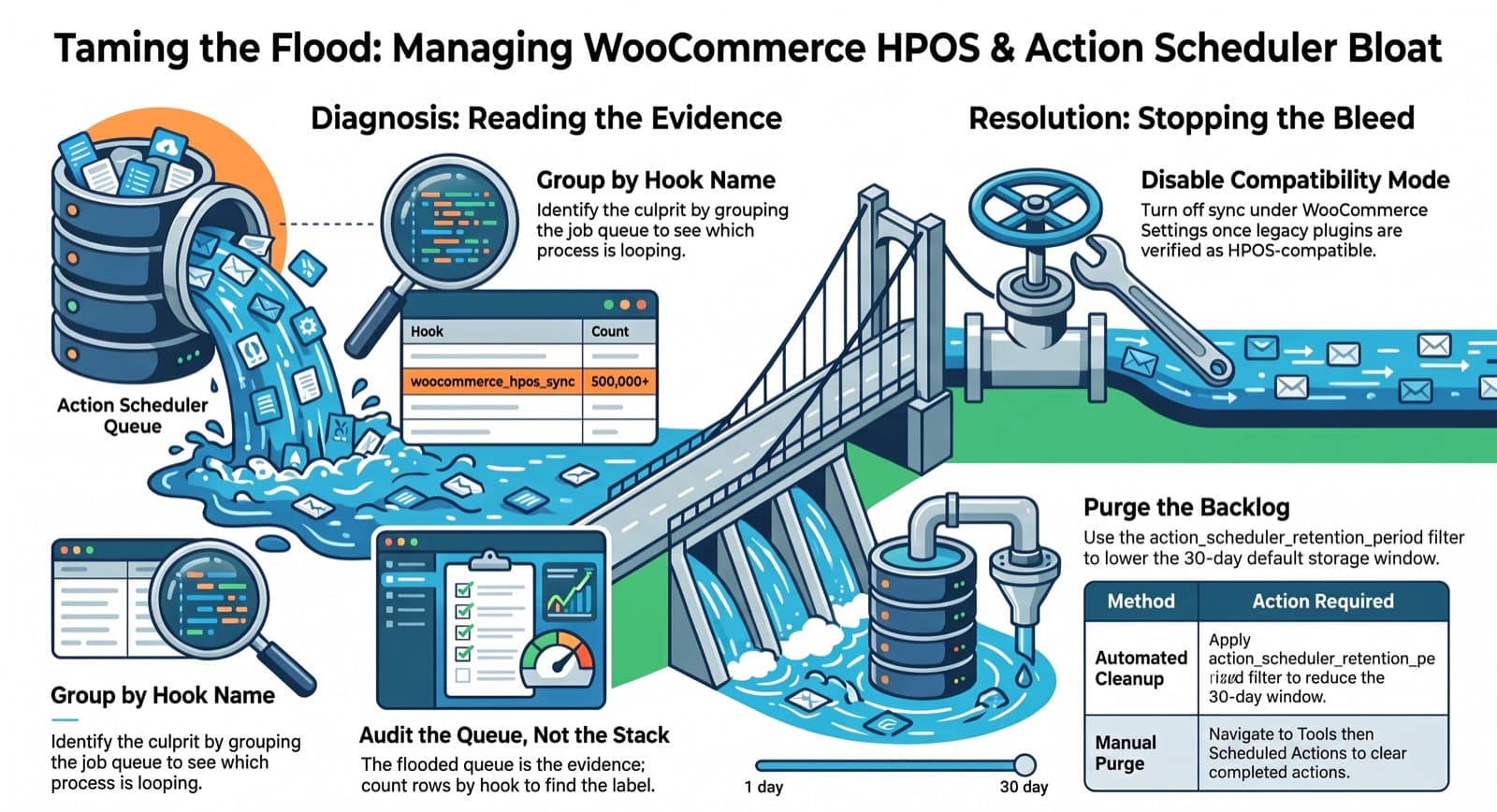
You don't debug this by disabling plugins one at a time. The queue table tells you exactly what's being scheduled. Action Scheduler keeps its jobs in wp_actionscheduler_actions. Group them by hook:
SELECT hook, status, COUNT(*) AS n
FROM wp_actionscheduler_actions
GROUP BY hook, status
ORDER BY n DESC;
One hook will dwarf the rest. That hook name is your culprit — it tells you which subsystem is enqueuing work in a loop. You go from a vague 'something is wrong' to a named process scheduling hundreds of thousands of jobs, in one query.
This is the same move I make on Magento when cron_schedule or the message queue balloons: don't audit the whole stack, read the queue and GROUP BY what's piling up. The component generating the work always names itself.
The fix
Two parts.
First, stop the bleeding. Once you've confirmed the store is fully on HPOS and nothing critical still reads the legacy tables, turn off compatibility mode under WooCommerce → Settings → Advanced → Features. You stop paying the sync tax on every order write. Don't flip this blind on a store full of legacy plugins. Verify they read HPOS first.
Second, clean up the backlog. Action Scheduler retains completed actions for 30 days by default, which is how a short burst leaves a long tail in your database. Lower the window with the action_scheduler_retention_period filter and let the cleanup task reclaim the space, or purge completed actions from Tools → Scheduled Actions.
The lesson that travels
The platform-specific bit is narrow: HPOS compatibility mode is expensive under heavy order writes. Keep that one for WooCommerce.
The part that travels to every stack with a job queue: when background processing melts your database, the queue is the evidence, not the suspect list. Don't theorize about Redis. Count the rows by hook. Whatever is flooding you is already labelled.